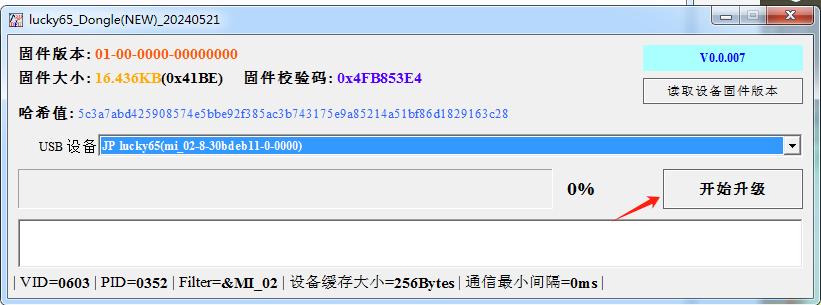
Special Note: make sure both (keyboard & dongle) the firmware is well upgraded so that you can connect the keyboard via 2.4G dongle!
Before we start, make sure you have downloaded the firmwares. Download Link for your reference. Download Link
Upgrade the firmware of Lucky65
- Connect the keyboard to the computer using a data cable.
- Press
FN + TAB to switch to wired mode.
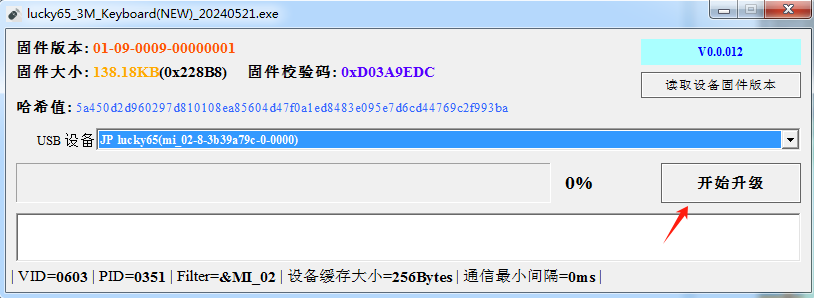
- Open the firmware upgrade tool (as shown in the image).
- Click on “Start Upgrade” and wait until it shows 100% completion.
Upgrade the firmware of 2.4G dongle
- Turn off the keyboard and disconnect it.
- Insert the receiver alone into the computer.
- Open the receiver upgrade package and start the upgrade process.